
Why Real-Time Field Data Matters: The Hidden Cost of Late and Paper Job Reports
Real-time field data means readings, photos, checklist results and timestamps captured by the technician on site and visible to the office the moment the job is done. Paper and late reports cost more than they seem. They delay invoices and client reports, hide findings until it is too late, lose evidence in SLA disputes and leave the next technician guessing. Live data turns every visit into a record you can act on the same day.
In this article
In most maintenance companies the work in the field is good. The problem starts when the technician closes the cabinet door. The report is written on paper, photographed, typed up in the office a few days later, corrected, sent to the client a week later and invoiced at the end of the month.
Each step looks harmless. Together they decide how fast a finding becomes a repair, how quickly the company gets paid and whether anyone can prove what was done. This article looks at what that delay really costs and what changes when field data arrives in real time.
What is real-time field data?
Real-time field data is everything a technician records during a job, captured on site at the moment it happens and available to the office as soon as the job is finished:
- Checklist results with readings: voltages, temperatures, pressures, levels, not only ticks.
- Photos: before and after, of the finding and of the fix.
- Timestamps: arrival, start, finish and departure, recorded by the app, not typed in later.
- Findings and follow-up work: what is wrong, how serious it is, what is needed to fix it.
- Parts and materials used on the job.
- Client confirmation where the contract requires it.
On remote sites without mobile coverage, the data is stored on the phone and synchronised as soon as there is a signal. "Real time" means the record exists the moment the work is done, even if it reaches the server an hour later.
What do late and paper reports really cost?
The cost rarely shows up as one big number. It is spread across the business:
| Where | With paper or late reports | With real-time field data |
|---|---|---|
| Client report | Days or weeks after the visit | Available the same day |
| Findings | Discovered when someone types up the report | Raise a follow-up job before the technician leaves |
| Invoicing | Waits for reports to be collected and checked | Starts from completed, approved jobs |
| SLA disputes | Arrival and repair times are remembered, not recorded | Timestamps and photos settle the question |
| Data quality | Handwriting, transcription errors, missing fields | Required fields, value ranges, photos where needed |
| Next visit | The technician starts from scratch | The full site history is on the phone |
| Management view | What was planned | What actually happened, today |
| Compliance | Records rebuilt before an audit | Records created as the work is done |
Findings that wait are findings that grow
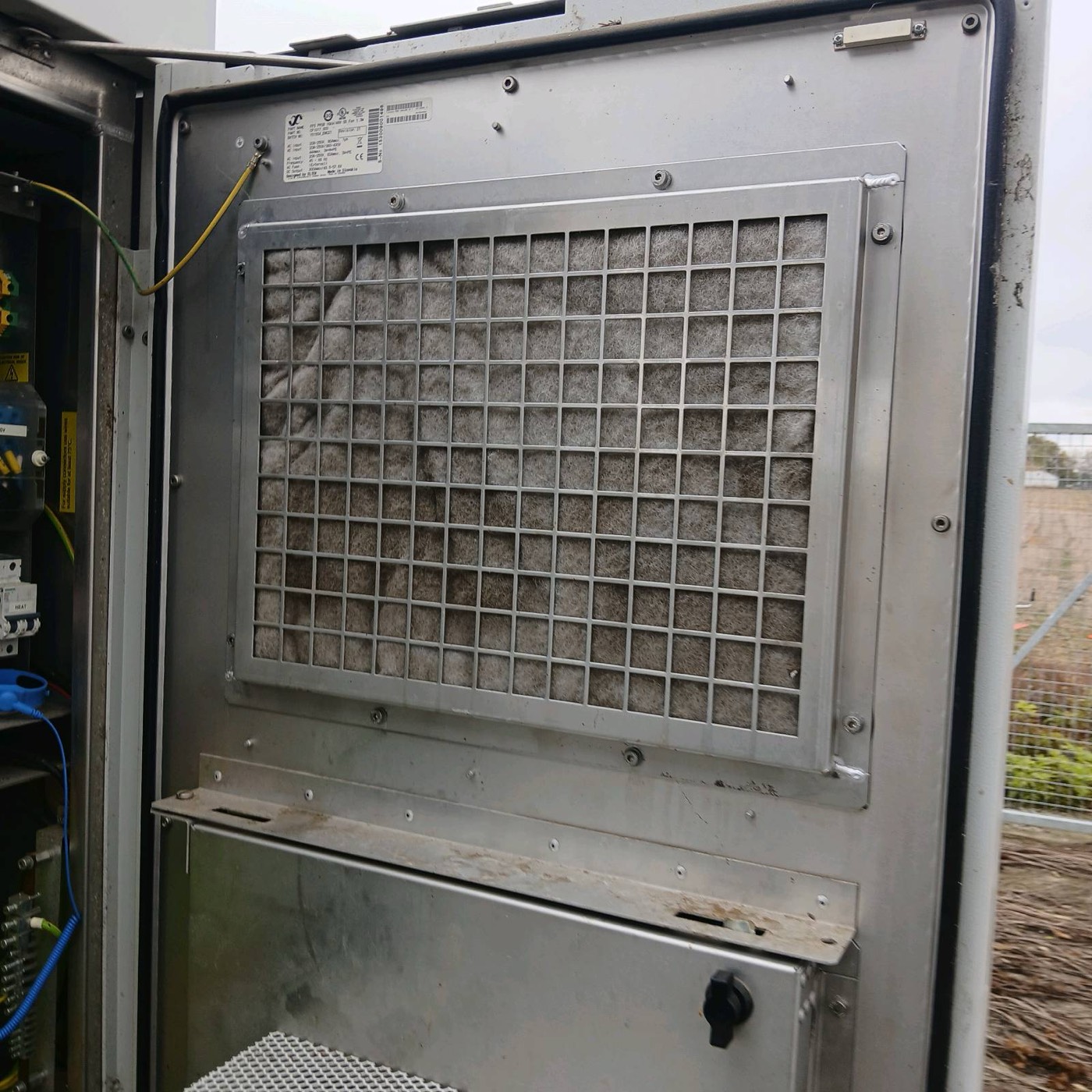
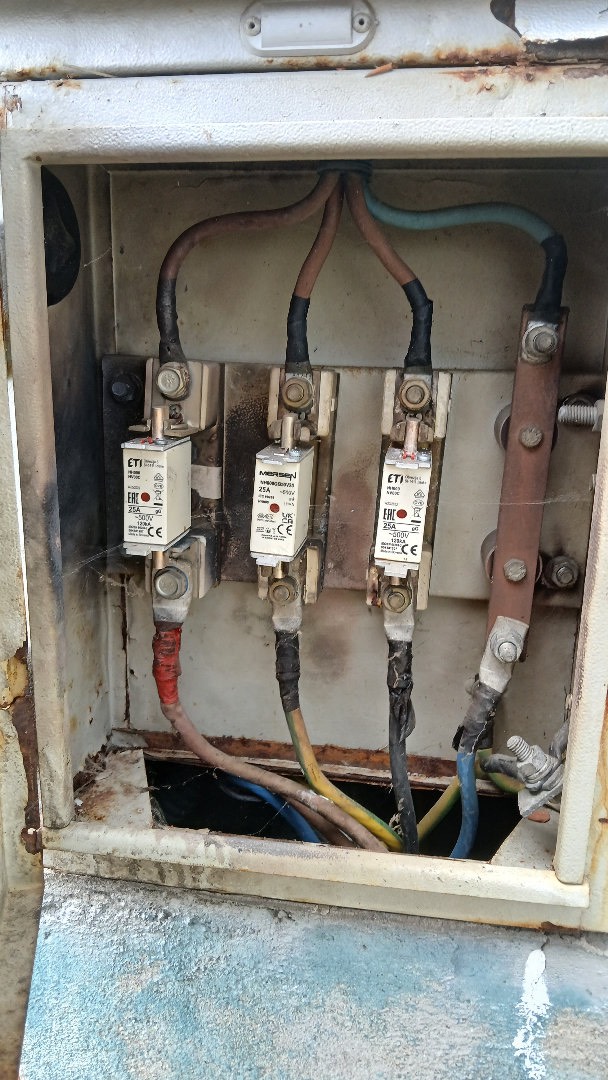
A technician who notices a swollen battery block, a leaking hose or heat marks on a terminal writes it down. On paper, that note travels at the speed of the paperwork. By the time someone in the office reads it and opens a work order, the weak battery may already have failed the site during a power cut.
Money that waits for paper
When invoicing depends on reports arriving and being checked, every late report pushes revenue into the next billing cycle. Disputed items take longer still, because the evidence has to be found first.
Evidence that does not exist
When a client questions whether a technician arrived within the agreed time, or whether a filter was really replaced, a handwritten time and a tick are weak evidence. A timestamp recorded by the app and a photo of the old and new filter are not.
What should technicians capture on site?
- Measured values, not yes or no, wherever a measurement exists: block voltages, temperatures, fuel level, run hours, earthing resistance.
- A photo for every finding, and before and after photos for repairs.
- The asset, linked to the job, so readings build a history per generator, UPS or air conditioner, not per visit.
- Severity and next step for each finding: fixed now, needs a part, needs a specialist, needs the client's decision.
- Time on site recorded automatically from check-in and check-out.
The app should make the right thing the easy thing: required fields for critical checks, sensible value ranges that warn about typing errors, and photos required where the contract or common sense says so.
How real-time field data changes the operation
- The client sees the result the same day, with readings and photos, instead of waiting for a monthly pack.
- Every finding becomes a work order automatically, with a priority and an owner, so nothing depends on someone reading a note.
- Invoicing starts from completed jobs, with the evidence attached.
- Planning uses real data: actual time per job, actual first-time fix rate, actual parts usage.
- Technicians stop duplicating work: no evening paperwork, no calls from the office asking what a note meant.
How to get technicians to use it
- Build the checklist with them, using the words they use on site.
- Make it faster than paper: prefilled site and asset data, photo capture in one tap, offline mode that just works.
- Show them the benefit: fewer calls from the office, fewer repeat visits, no paperwork after the shift.
- Use the data visibly, in planning and in recognising good work, not only for control.
Frequently asked questions
What is real-time field data in maintenance?
It is the data a technician records during a job, such as readings, photos, checklist results, timestamps, findings and parts, captured on site and available to the office as soon as the job is finished, instead of being written on paper and typed up later.
Why are paper job reports a problem?
Paper reports delay client reporting and invoicing, introduce transcription errors, hide findings until someone reads them, provide weak evidence in SLA disputes and leave the next technician without the history of the site.
What should a field service report include?
A good report includes the site and asset, arrival and departure times, the checklist with measured values, photos of findings and repairs, parts used, each finding with its severity and next step, and client confirmation where required.
Does real-time field data work at sites without mobile coverage?
Yes, if the app works offline. The technician records everything on site, the data is stored on the device and it synchronises automatically when the phone reaches a network.
How does real-time field data improve SLA compliance?
Timestamps recorded by the app prove arrival and restore times, photos prove the work, and findings that raise work orders automatically keep follow-up work inside the agreed deadlines instead of waiting for paperwork.
Sources
- ISO 55000, Asset management: overview, principles and terminology, on the role of reliable asset information.
- NFPA 110 and NFPA 70B record-keeping requirements as examples of documentation that maintenance work must produce.
- Experience from running 24/7 maintenance operations with digital checklists across generators, telecom sites and retail stores.
- Related reading: first-time fix rate, CMMS vs field service management and preventive, predictive or condition-based maintenance.

Maintenance software built by people who run maintenance
Domar Labs builds the Care family: GenSetCare for generator fleets and AllSiteCare for critical sites and facilities, both shaped by 24/7 field operations.